5.0
“Yasir, completed the project in a timely fashion and was very though. We communicated on a few details that need work and he was able to fix the issues right away. I will definably use him for future projects of this nature.”
My CRM integration services connect your website, store or app to HubSpot, Salesforce, Zoho or GoHighLevel, and to accounting and ERP tools such as QuickBooks, Sage Intacct and Omni Accounts, so data moves without anyone re-typing it.
If your team copies data from one tool to another, an integration usually pays for itself quickly.
Orders, customers and invoices are re-typed into accounting or ERP software by hand.
Form enquiries sit in an inbox instead of landing in your CRM with the right tags and owner.
Stock, prices and order totals differ between your store and your accounting system.
You've bought good software, but none of it shares data, so reports never tell the whole story.
QuickBooks and Sage Intacct over OAuth 2.0, plus an Omni Accounts connector syncing orders, products, customers and stock in background queues.
HubSpot, Salesforce, Zoho, Microsoft Dynamics 365, Pipedrive, Keap, monday.com and Zendesk connected to GoHighLevel.
Stripe payments for paid access to a data platform, plus PayPal, Square and Authorize.net experience.
BatchData for property and ownership data, and the Google Analytics Data API for marketplace reporting.
Hubstaff staff and time-tracking data and Tawk.to support tickets inside a client portal.
Zapier, Make and n8n workflows, plus custom code in Node.js, PHP and Python where no-code tools fall short.
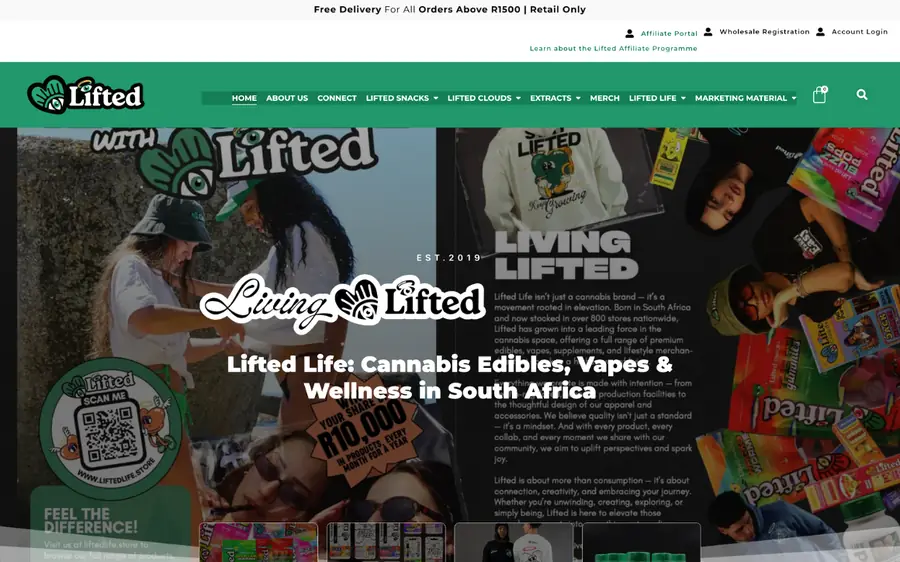
WooCommerce synced with QuickBooks, Sage Intacct and Omni Accounts over OAuth 2.0, with logging and error handling.
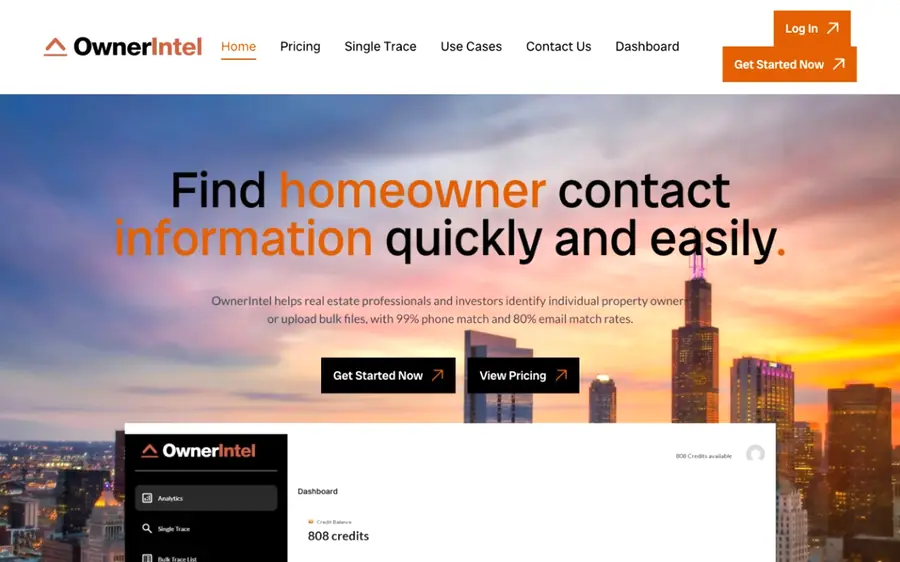
A real estate data platform pulling property and ownership data from the BatchData API, with Stripe payments.
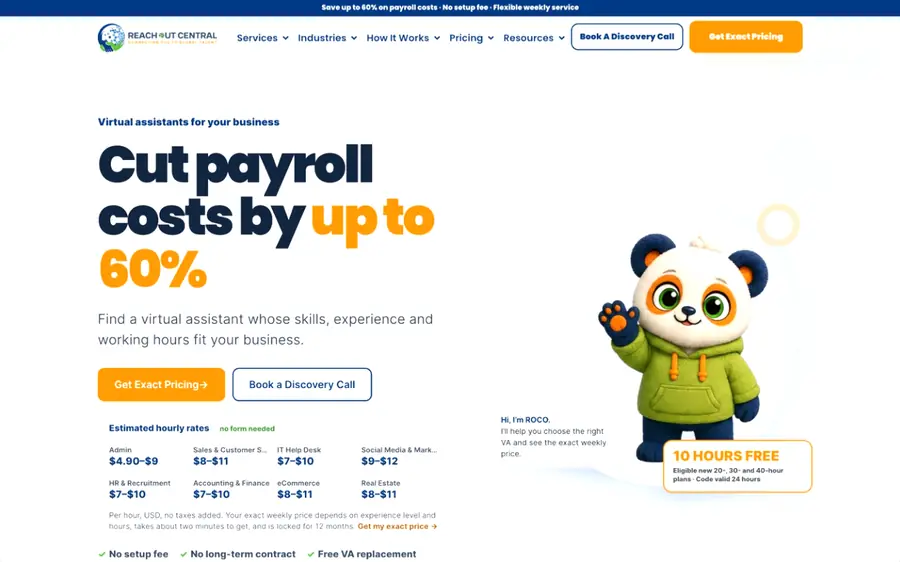
A client portal with Hubstaff staff and time data and Tawk.to support tickets in one place.
An integration is only useful if you can see what it did and fix it fast when something changes.
Tell me what you need through the form or WhatsApp. I reply fast and ask the right questions.
I map out what will be built, the timeline and a clear quote before any work starts.
I build on a staging site and share progress, so you can review as it comes together.
Every page, form and integration is tested before go-live, on desktop and mobile.
After launch I stay on hand for fixes, updates and the next round of improvements.
From an Upwork review, word for word.
View on Upwork“Yasir, completed the project in a timely fashion and was very though. We communicated on a few details that need work and he was able to fix the issues right away. I will definably use him for future projects of this nature.”
Can't see yours? Ask on WhatsApp for an instant reply.
I've worked with QuickBooks, Sage Intacct, Omni Accounts, HubSpot, Salesforce, Zoho CRM, Microsoft Dynamics 365, Pipedrive, Keap, monday.com, Zendesk and GoHighLevel, plus Stripe, BatchData and Hubstaff. If your tool has an API, it can usually be connected.
If a ready-made connector does what you need, I'll tell you and set it up. A custom integration makes sense when you need your own field mapping, business rules or a sync no connector supports.
No. Integrations use OAuth or API keys that you create and control, and they're never hard-coded.
Integrations log every request and record errors, so failures are visible and can be fixed instead of disappearing silently.
Yes. As a technical consultant for SimpleTalk AI, I connected HubSpot, Salesforce, Zoho, Dynamics 365, Pipedrive, Keap, monday.com and Zendesk to GoHighLevel.
List the systems you use and what should move between them. I'll come back with the simplest reliable way to connect them.
Cookies on this site
I use necessary cookies to make this site work. With your permission, I'd also like to use analytics cookies to see which pages are useful, and marketing cookies to measure any advertising. Privacy policy
Choose which cookies you're happy for me to use. Necessary cookies are always on. You can change your choice at any time with the "Cookie settings" link at the bottom of every page. Privacy policy
Needed for the site to work, for example to remember your cookie choice (yl_consent) and keep the project form secure. They can't be switched off.
Help me understand how visitors use the site, so I can improve it (Google Analytics: _ga, _ga_*). The information is grouped and doesn't identify you.
Let me measure advertising and show more relevant ads on other websites (Google Ads: _gcl_au).