WooCommerce QuickBooks integration: plugin or custom build?
When an off-the-shelf connector is enough, and when a custom OAuth 2.0 sync pays for itself.
Read the articleWhat to ask, what to check in a portfolio, and how to scope a project so quotes are comparable.
 Yasir LatifFull-stack & WordPress developer · 17 Nov 2026 · 7 min read
hire( wordpress_developer )

Hiring the wrong developer is expensive: missed deadlines, a site that breaks on the next update, or a rebuild a year later. The good news is that most of those problems are visible before you hire, if you know where to look. This checklist is what I’d want a client to go through before choosing anyone, including me.
“WordPress developer” covers very different jobs. Before you look at anyone, decide which kind of work your project is, because it changes who you should hire:
A developer who’s great at page-builder sites may not be the right person for an ERP integration, and the reverse is also true.
You don’t need a long specification. A few lines that answer these questions will get you far better replies and quotes you can compare:
Sharing a budget range isn’t giving away your negotiating position. It tells a developer which approach fits, so you get a realistic proposal instead of a guess.
Screenshots are easy to fake and easy to polish. Ask for live links, and look for projects that are similar in complexity to yours, not just in looks.
If you need a WooCommerce store with wholesale pricing, a portfolio of brochure sites tells you little. A case study that explains what was built and why tells you a lot more than a gallery of homepages.
Look for reviews you can trace back to a real platform or client, read them in full, and check the dates. Recent reviews about communication and reliability matter as much as the ones about technical skill, because most projects that go wrong do so through missed messages, not missing code.
A short conversation shows you how a developer thinks. Good questions to ask:
The best answers are specific to your project. Be wary of anyone who says yes to everything without asking you a single question.
Two quotes can look far apart simply because they include different things. Before you compare prices, check what each one covers:
You may not read the code, but you can ask how it’s written. Custom work should be built on WordPress and WooCommerce’s official hooks rather than by editing core or third-party files, so your updates stay safe. Ask whether the code is documented, so another developer could pick it up later.
And on access: you shouldn’t need to email anyone your passwords. A good developer will ask you to add them as a user on your site or hosting, so you can remove that access at any time.
Before you start, agree how you’ll talk (email, WhatsApp, calls), how often you’ll get updates, and which hours overlap. If your developer is in another time zone, overlapping hours matter more than the time zone itself.
It depends on scope: a fix costs far less than a store with custom plugins and integrations. Ask for a fixed quote based on a written scope so you can compare offers like for like.
An agency gives you a team and an account manager; a freelancer gives you direct contact with the person doing the work, usually with less overhead. Choose based on the size of the project and how you like to communicate.
How they'd build your project and why, what they'd build custom versus use a plugin for, how they test before launch, and what happens if something breaks afterwards.
Full-stack and WordPress developer in Lahore and founder of AY Experts. I've built 25+ live projects and 17+ custom plugins for clients in the UK, US, South Africa and Australia. More about me
woo → quickbooks.sync()
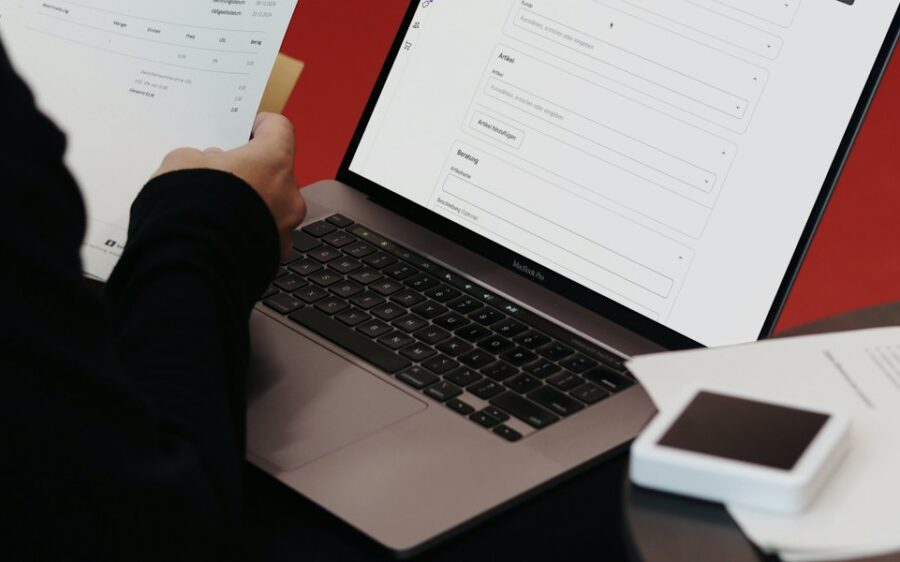
When an off-the-shelf connector is enough, and when a custom OAuth 2.0 sync pays for itself.
Read the articleghl vs hubspot

A developer's comparison of features, integrations and automation, from real client set-ups.
Read the articlesheet.rows → pages

How one Google Sheet and a reusable template can power dozens of local landing pages.
Read the articleRun me through the checklist. Send your brief and I'll reply with the questions that matter and a clear quote.
Cookies on this site
I use necessary cookies to make this site work. With your permission, I'd also like to use analytics cookies to see which pages are useful, and marketing cookies to measure any advertising. Privacy policy
Choose which cookies you're happy for me to use. Necessary cookies are always on. You can change your choice at any time with the "Cookie settings" link at the bottom of every page. Privacy policy
Needed for the site to work, for example to remember your cookie choice (yl_consent) and keep the project form secure. They can't be switched off.
Help me understand how visitors use the site, so I can improve it (Google Analytics: _ga, _ga_*). The information is grouped and doesn't identify you.
Let me measure advertising and show more relevant ads on other websites (Google Ads: _gcl_au).